

Studies show that most website visitors decide whether to stay or leave within just a few seconds of landing on a page. Many business owners focus on bringing traffic, but do not notice how quickly users leave without exploring further. This silent drop in engagement directly affects conversions and overall website performance.
If your website is not easy to use, slow to load, or unclear in its messaging, visitors may exit before taking any action. This is where user experience becomes important. Improving UX helps you reduce website bounce rate by making your site more intuitive, faster, and easier to navigate.
In this blog, you will learn how to reduce bounce rate with UX improvements, practical ways to improve user engagement, and common issues that push visitors away.
Next, we will understand what website bounce rate means and why it plays a key role in your website’s performance.
What Website Bounce Rate Means and Why It Matters
Your website bounce rate shows the percentage of visitors who land on your site and leave without exploring further. In simple terms, they visit one page and exit without taking any action.
When your bounce rate is high, it often means your website is not meeting user expectations. This can affect:
- User engagement
- Conversion rates
- Overall website performance
For example, if someone clicks on your site from search results but faces slow loading speed, unclear content, or confusing navigation, they may leave within seconds. This reduces your chances of turning visitors into customers.
Bounce rate is closely linked to website UX optimization. When your site is easy to navigate, loads quickly, and clearly communicates value, visitors are more likely to stay, explore more pages, and engage with your content.
Common Reasons Behind High Website Bounce Rate
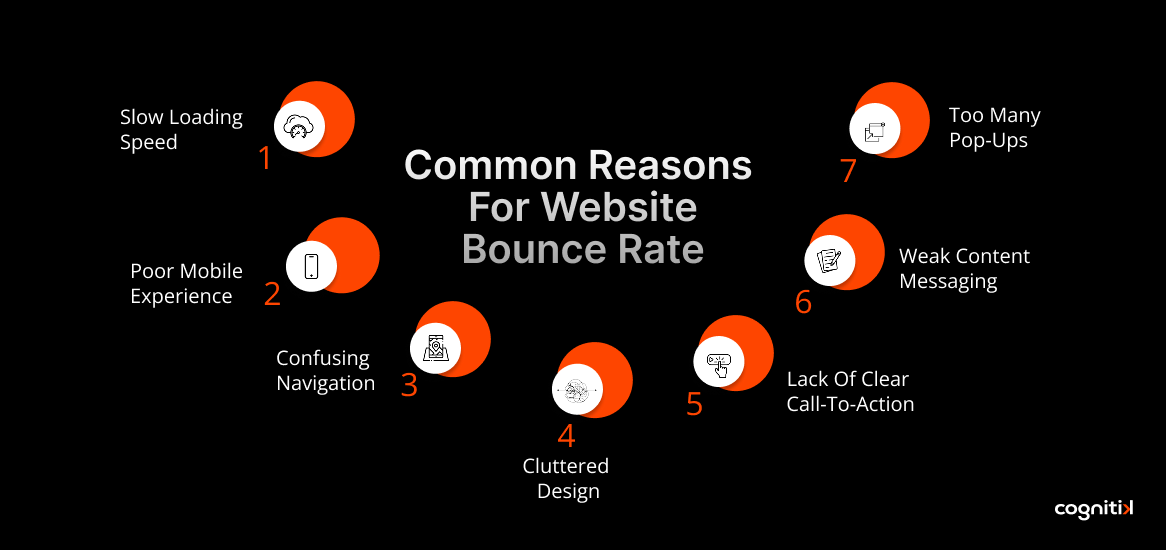
If you are trying to reduce website bounce rate, it is important to understand why visitors leave in the first place. Many websites face similar issues, and identifying them early can help you improve website bounce rate optimization more effectively.
- Slow page loading speed: If your page takes more than a few seconds to load, visitors may lose patience and leave before engaging. This is especially common on mobile, where slower connections make speed even more critical.
- Poor mobile experience: When your website is not optimized for smartphones, users may struggle with small buttons, unreadable text, or broken layouts. This creates frustration and reduces engagement quickly.
- Confusing navigation: If visitors cannot easily find products, services, or information, they may feel lost. Clear menus and a simple structure are essential to guide users.
- Cluttered design: Too many elements like banners, ads, or colors can overwhelm users. A clean layout helps visitors focus on what matters.
- Lack of clear call-to-action: When users are unsure what to do next, such as where to click or how to proceed, they often leave without taking action.
- Weak content messaging: If your content does not clearly explain what you offer or why it matters, visitors may not feel interested enough to stay.
- Too many pop-ups: Frequent pop-ups or interruptions can annoy users and interrupt their browsing experience.
These issues are directly related to user experience, and fixing them plays a key role in reducing bounce rate and improving overall website performance.
How UX Improvements Help Reduce Bounce Rate
User experience plays a major role in how visitors interact with your website. When your site is simple, fast, and easy to understand, users feel more comfortable exploring it.
UX improvements focus on removing friction. This includes making navigation smoother, improving page speed, and presenting content clearly. When these elements work well together, users are more likely to stay longer and engage with your website.
Improving UX not only helps reduce bounce rate with UX strategies but also improves conversions and overall website performance.
Key UX Improvements to Reduce Website Bounce Rate
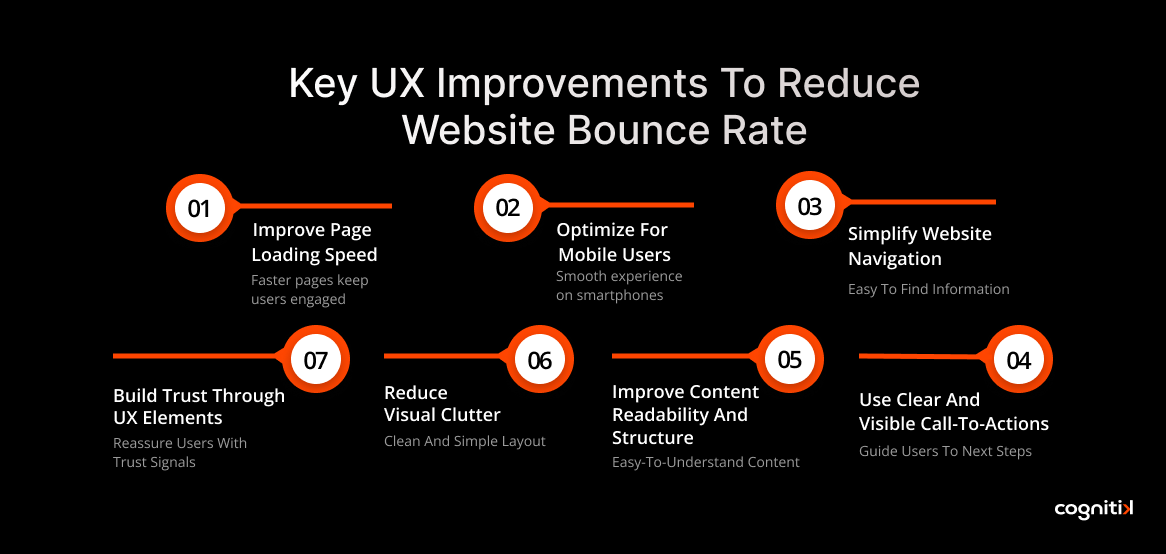
If you want to reduce website bounce rate, focusing on the right UX improvements can make a clear and lasting difference. Small changes in how your website loads, looks, and guides users can improve engagement and overall website performance without major redesigns.
1. Improve Page Loading Speed
Page speed is one of the most important factors in website bounce rate optimization. When a page takes too long to load, users often leave before even seeing your content. This is especially common on mobile networks where delays feel longer. You can improve speed by compressing images, reducing unnecessary scripts, and using optimized hosting. Faster pages keep users engaged from the first click.
2. Optimize for Mobile Users
A large portion of traffic comes from smartphones, so your website must work smoothly on smaller screens. If users need to zoom, struggle to tap buttons, or scroll excessively, they are likely to leave. Using responsive design, readable text, and easy navigation helps improve user experience and reduce bounce rate with UX improvements.
3. Simplify Website Navigation
Visitors should be able to find what they are looking for within a few seconds. Confusing menus or unclear page structures can make users feel lost. Clear categories, simple menus, and logical page flow help users move smoothly through your website and stay longer.
4. Use Clear and Visible Call-to-Actions
Your website should guide users toward the next step. Whether it is exploring a product, reading more, or signing up, clear call-to-actions help users understand what to do. Placing these buttons in visible areas with simple language improves interaction and reduces drop-offs.
5. Improve Content Readability and Structure
Content should feel easy to read at a glance. Long, dense paragraphs can overwhelm users and push them away. Using short sections, headings, and bullet points makes information easier to understand and keeps users engaged for longer.
6. Reduce Visual Clutter
Too many elements on a page can distract users and reduce focus. When banners, pop-ups, and visuals compete for attention, users may leave without taking action. A clean and simple layout helps highlight important information and improves the browsing experience.
7. Build Trust Through UX Elements
Users are more likely to stay when they feel confident about your website. Adding customer reviews, testimonials, and secure payment indicators helps build trust. When visitors feel reassured, they are more comfortable exploring your website and taking action.
These UX improvements work together to support effective website UX optimization, helping you reduce website bounce rate and create a smoother user experience. If you want expert help to identify gaps and apply practical fixes, you can connect with Cognitik experts to improve engagement, strengthen user flow, and boost overall website performance.
Why First Impressions Matter in Website UX Optimization
First impressions have a direct impact on whether users stay on your website or leave within seconds. When someone lands on your page, they quickly try to understand what your website offers and whether it meets their needs. If the content feels unclear, cluttered, or difficult to follow, they may exit immediately, which increases your website’s bounce rate.
- Clear messaging: Your homepage or landing page should instantly communicate what you offer and who it is for. When users understand this quickly, they are more likely to stay.
- Strong visuals: Clean images, balanced colors, and a simple design help create a positive first impression and keep users engaged.
- Easy layout: A well-structured page with logical sections and simple navigation makes it easier for users to explore without confusion.
A strong first impression supports effective website UX optimization and helps you reduce website bounce rate by guiding users to stay, explore, and interact with your content.
How Data-Driven Insights Help Reduce Bounce Rate
If you want to reduce website bounce rate, understanding user behavior through data is essential. It helps you see how visitors interact with your website and where they lose interest. This makes your website UX optimization more accurate and effective.
- Start by looking at bounce rate, which shows how many users leave without exploring further. If this number is high, your page may not be meeting expectations.
- Next, check the time on the page. When users spend only a few seconds, it often means the content is not engaging or clear enough.
- Exit pages also provide useful insights by showing exactly where users drop off during their visit.
You can go a step further with tools like analytics dashboards and heatmaps. These show where users click, how far they scroll, and which sections they ignore. When you combine these insights, it becomes easier to identify problem areas and make meaningful changes that help reduce website bounce rate and improve overall user experience.
Website UX Mistakes That Increase Bounce Rate
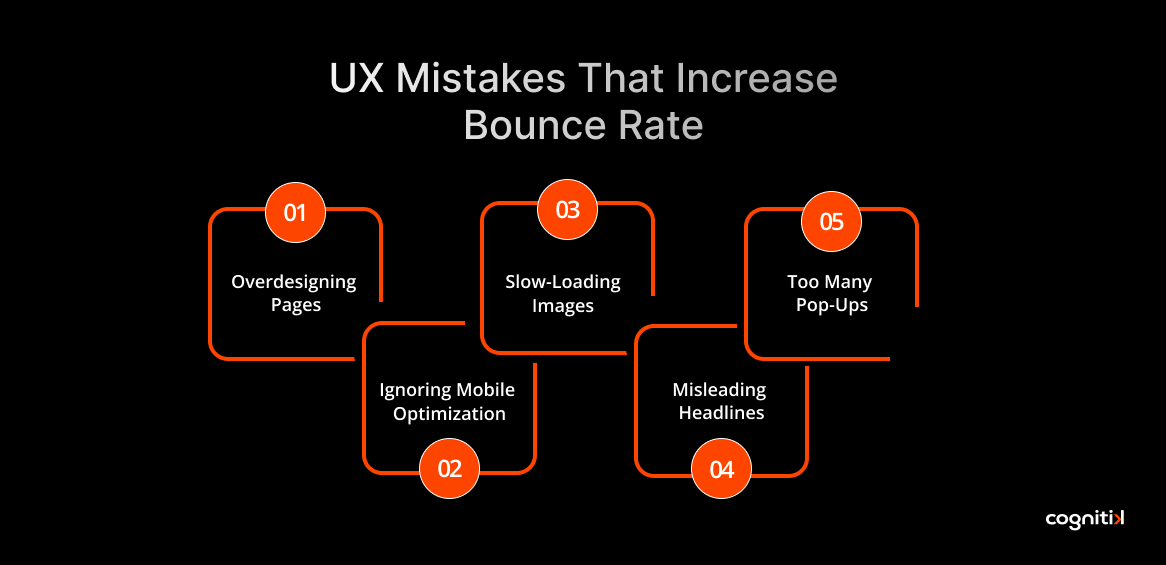
Avoiding common mistakes is just as important as improving your website. Small UX issues can quietly affect how users interact with your pages and increase your website bounce rate. Identifying and fixing these problems supports better website UX optimization.
- Overdesigning pages with too many elements: When a page is filled with visuals, banners, and sections, users may feel overwhelmed and lose focus.
- Ignoring mobile optimization: If your website does not work smoothly on smartphones, users may leave due to poor navigation or unreadable content.
- Slow-loading images and scripts: Heavy files and unnecessary code can delay page loading, causing users to exit before engaging.
- Misleading headlines or unclear content: If your content does not match user expectations, visitors may not stay to explore further.
- Too many pop-ups or distractions: Frequent interruptions can frustrate users and reduce engagement.
Keeping your design simple, clear, and user-focused helps reduce website bounce rate and improve overall experience.
How Cognitik Helps Improve Website UX and User Engagement
Reducing your website bounce rate is not a one-time task. As user behavior keeps changing, your website also needs regular improvements. This is where a structured approach to website UX optimization becomes important. With the right guidance, you can make consistent improvements that keep users engaged and improve overall performance.
Understanding User Behavior
The first step is analyzing how visitors interact with your website. By studying key metrics and user patterns, Cognitik helps you identify where users drop off and what may be affecting engagement.
Implementing UX Improvements
Once the issues are clear, the next step is making practical changes. This can include improving page speed, simplifying navigation, and refining content to reduce website bounce rate and enhance user experience.
Testing and Refining Continuously
UX improvement is an ongoing process. Regular testing, layout adjustments, and content updates help ensure your website continues to perform better over time.
If you want to take a more structured approach to reduce website bounce rate with UX improvements, you can connect with the experts at Cognitik to explore strategies tailored to your website goals.
Conclusion
Reducing your website bounce rate is not just about increasing traffic. It is about creating a smooth and engaging experience that encourages visitors to stay, explore, and take action. When you focus on website UX optimization, such as faster loading speed, simple navigation, and clear content, you naturally improve user engagement and overall website performance.
Instead of making sudden changes, consistent improvements deliver better long-term results. Small updates over time can help you reduce website bounce rate, build user trust, and create a more effective digital experience.
If you want to achieve these results with a clear and structured approach, you can get in touch with the experts at Cognitik. They can help you identify key UX gaps and implement practical strategies that improve engagement, performance, and long-term growth.
FAQs
A good website bounce rate typically ranges between 40% and 60%, depending on your industry and traffic source. Lower bounce rates usually indicate better user engagement and content relevance. If your bounce rate is high, Cognitik can help you improve website UX optimization and engagement with structured strategies.
User experience plays a key role in how visitors interact with your website. Slow pages, confusing layouts, or unclear messaging can cause users to leave quickly. Improving UX helps users navigate easily and stay longer. Cognitik helps identify UX gaps and implement improvements that reduce website bounce rate effectively.
You can reduce website bounce rate by improving page speed, optimizing for mobile, simplifying navigation, and using clear call-to-actions. These changes help users find what they need faster. Cognitik supports businesses with practical UX improvements that deliver quick and measurable engagement results.
Bounce rate indirectly affects SEO because it reflects how users interact with your website. If visitors leave quickly, it may signal poor relevance or experience. Improving UX and content can support better rankings. Cognitik helps optimize your website experience to improve both engagement and search performance.
Users often leave websites due to slow loading speed, poor mobile experience, confusing navigation, or unclear content. These issues create friction and reduce engagement. Cognitik helps identify these problems and apply targeted UX improvements to reduce bounce rate and enhance overall website performance.
Page speed directly affects user experience. When a website loads slowly, users are more likely to leave before interacting. Faster pages keep users engaged and reduce bounce rate. Cognitik helps optimize website performance and speed to create a smoother, more engaging user experience.